Client Portal &
Automated Support Engine
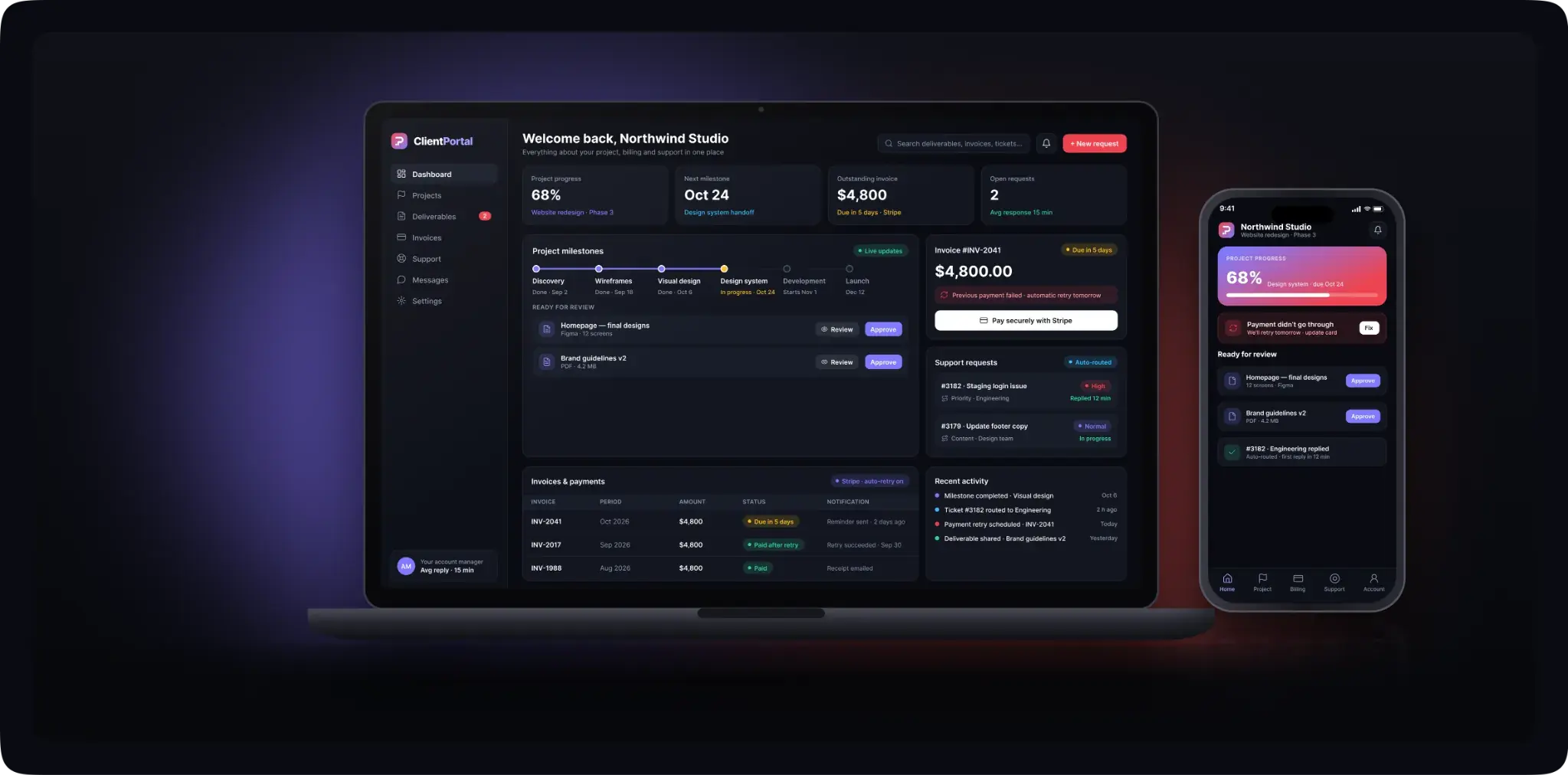
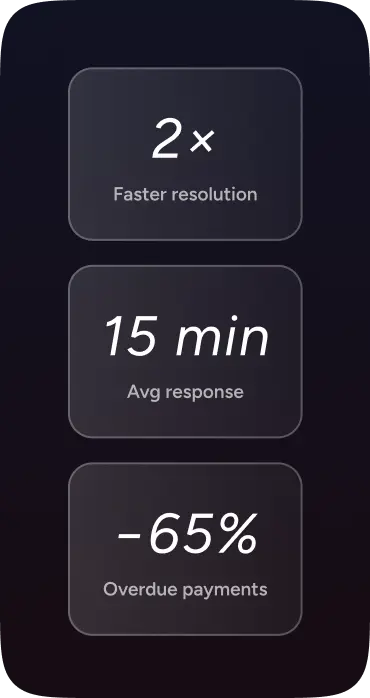
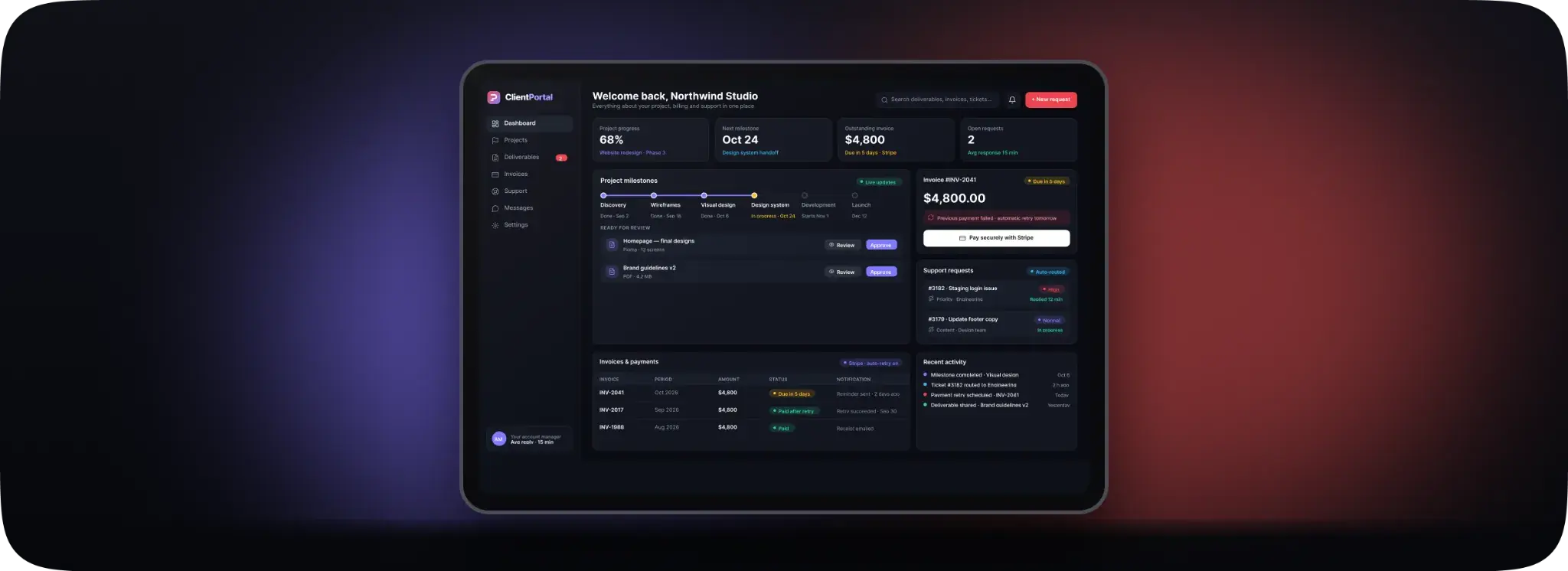
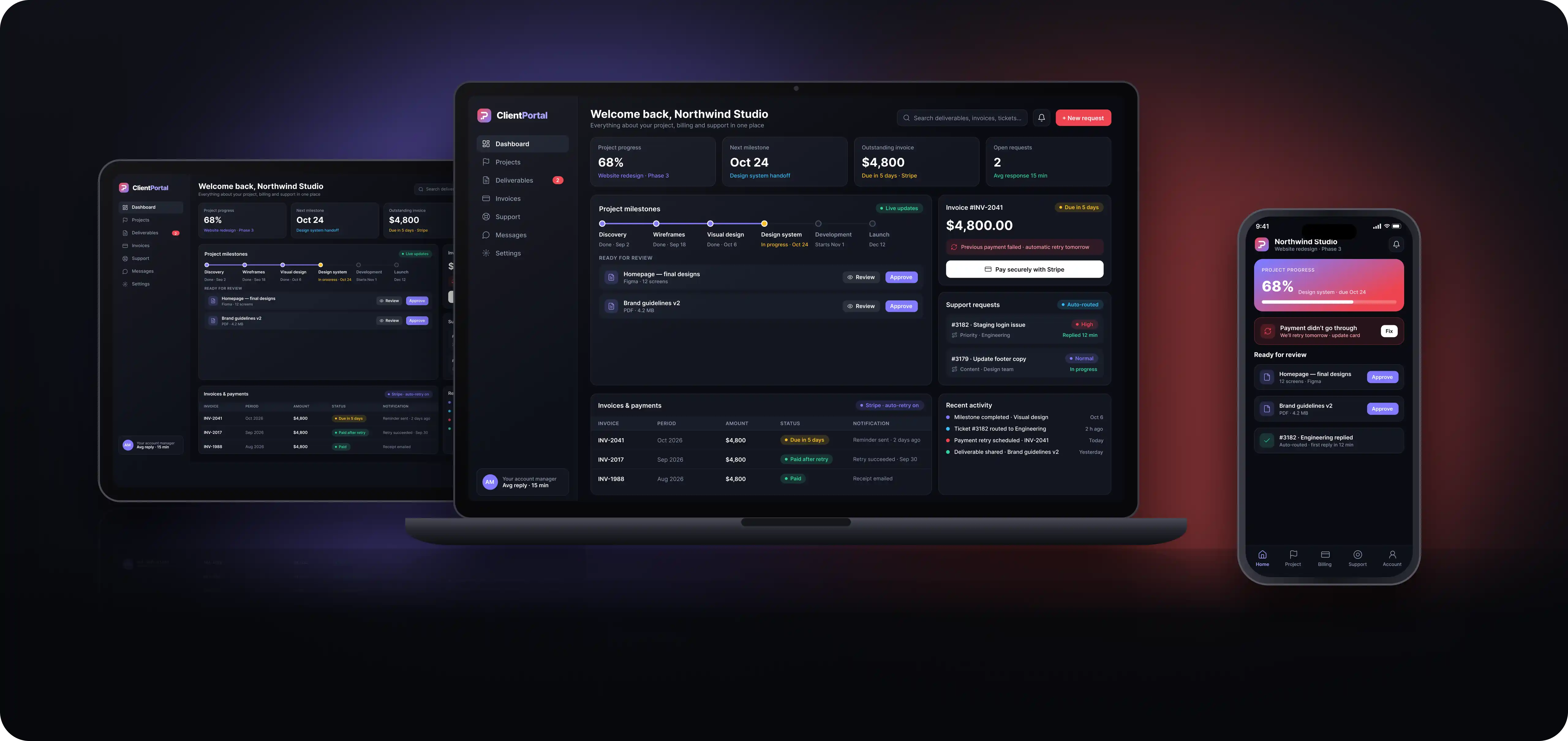
Client Portal & Automated Support Engine brings project updates, deliverables, invoice payments, and support requests into one dashboard. Clients can check where their project stands, review work, and get help without having to contact their account manager for every update. We developed this custom client portal over two months, connecting self-service features with automated billing notifications and support ticket routing. The result was a clearer experience for clients and less manual coordination for the team. Ticket resolution time was cut in half, while overdue payments dropped by 65%.
Give Clients Clear Answers and Your Team More Time to Deliver
Challenges
The project needed to solve three connected problems across client communication, billing, and support:
- Support requests were getting delayed. High volumes of uncategorized tickets made it difficult to identify urgent issues and route them to the right team. High-tier client requests could sit in the same queue as routine enquiries, leading to missed service commitments.
- Failed payments were disrupting service. Unsuccessful recurring payments were not always brought to the client's attention in time. This created avoidable interruptions and left the team following up on billing issues manually.
- Clients kept asking for updates by email. Even with a portal available, clients continued contacting account managers to check deliverables and project progress. The dashboard needed to give them a practical reason to return. A place to get answers, quickly.
Our Approach
We focused the client portal development around the tasks clients needed most, then connected those tasks with the team's existing billing and support tools.
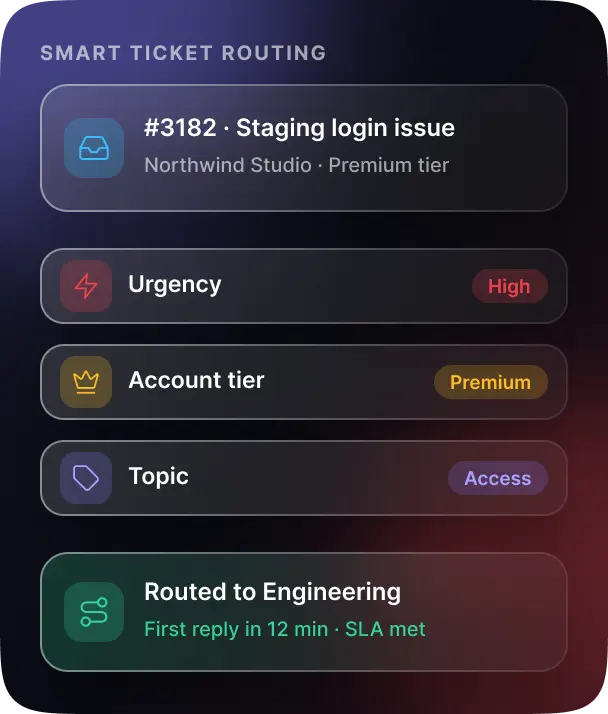
- Automated support ticket routing. We built conditional assignment rules that categorized incoming requests by urgency, account tier, and topic. Tickets reached the appropriate team with clearer priorities, helping reduce ticket resolution time by half and bring average response time down to 15 minutes.
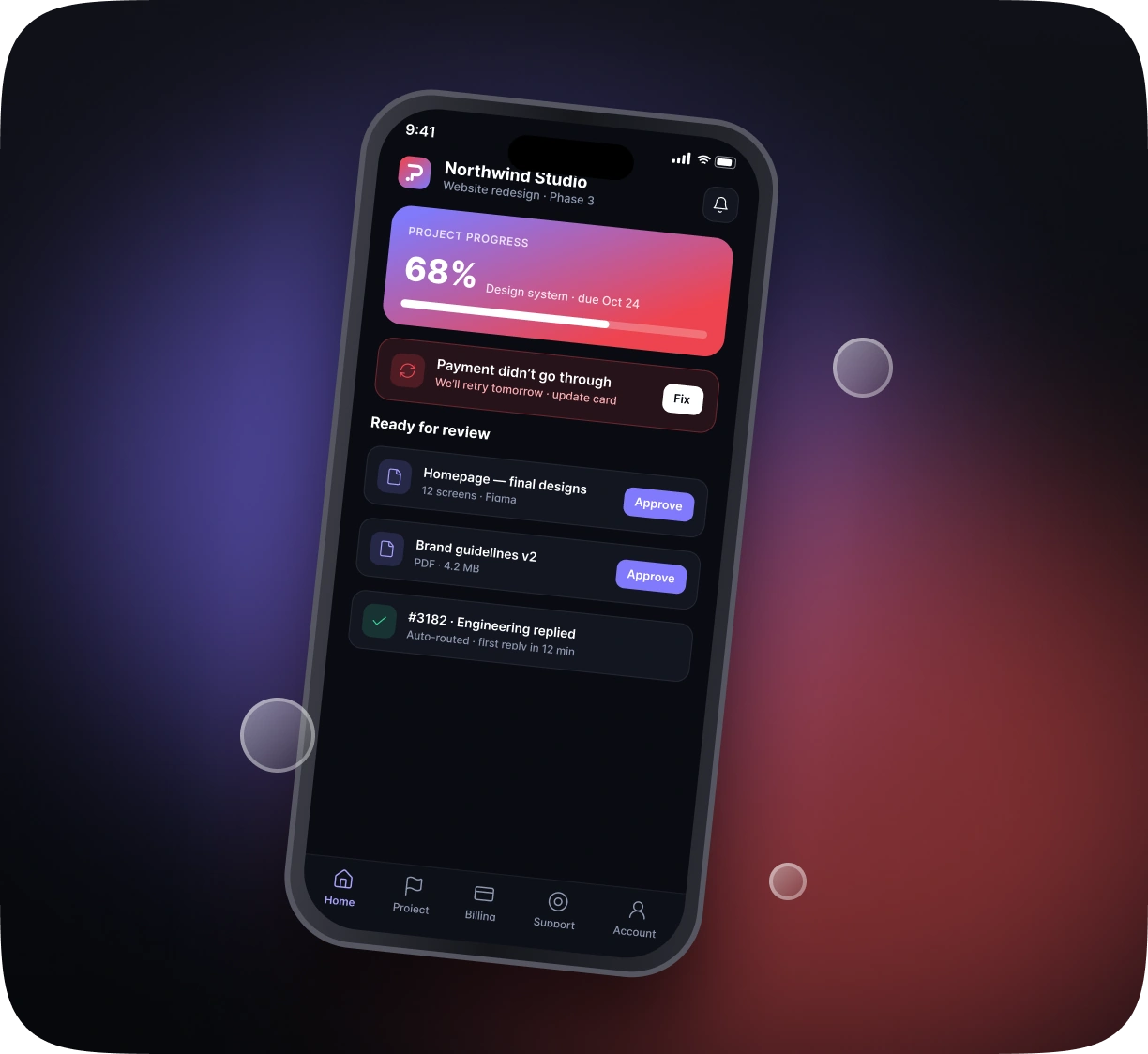
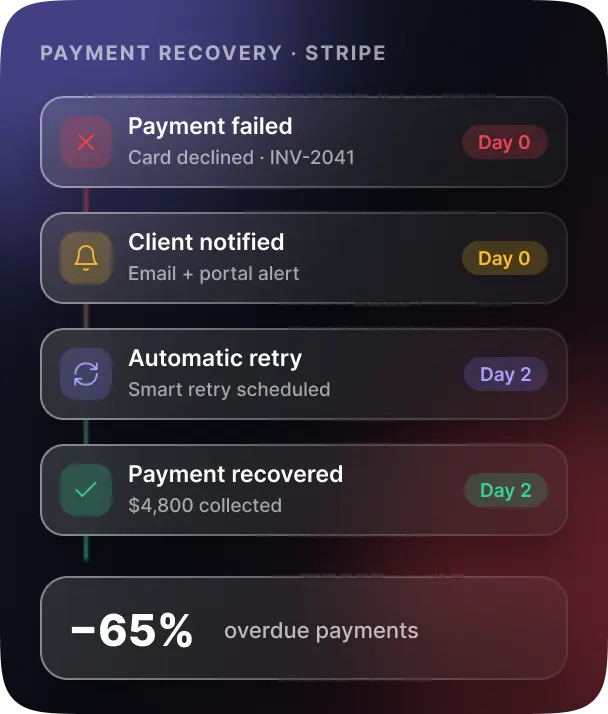
- Connected billing and payment recovery. Using Stripe, we introduced recurring invoice notifications, payment reminders, and automated retries for failed payments. Payment recovery workflows also notified clients through the portal, giving them a clear next step when a payment needed attention. Overdue payments decreased by 65%.
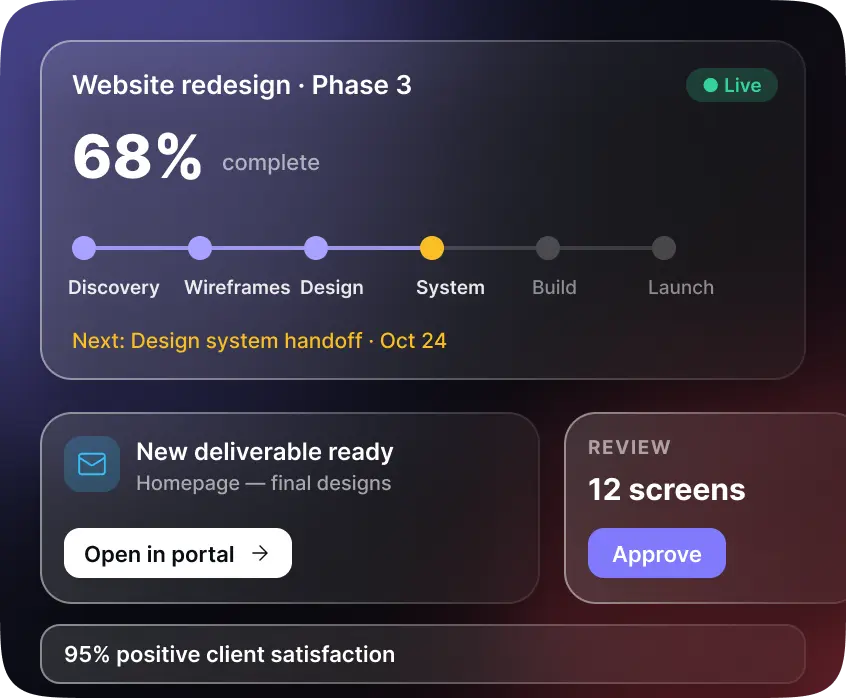
- A dashboard built around everyday client needs. We placed real-time milestone tracking and deliverable access at the centre of the experience. Automated emails linked directly to the relevant portal content, so clients could move from a notification to the update they needed. We also created drip campaigns for ongoing client education and retention nurture.
Development & Framework
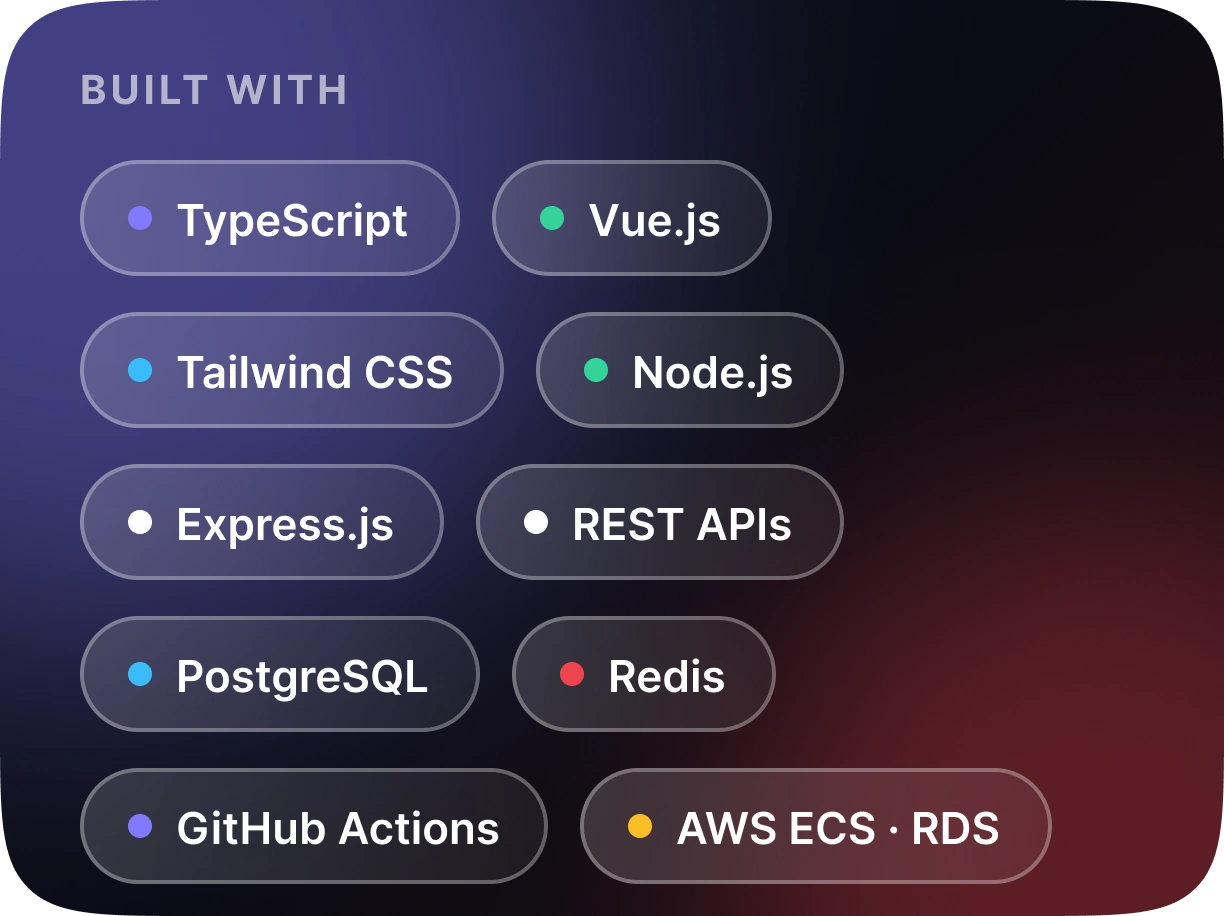
- Programming Languages: TypeScript, JavaScript, SQL
- Frontend: Vue.js, Tailwind CSS
- Backend: Node.js, Express.js, REST APIs
- Databases: PostgreSQL, Redis
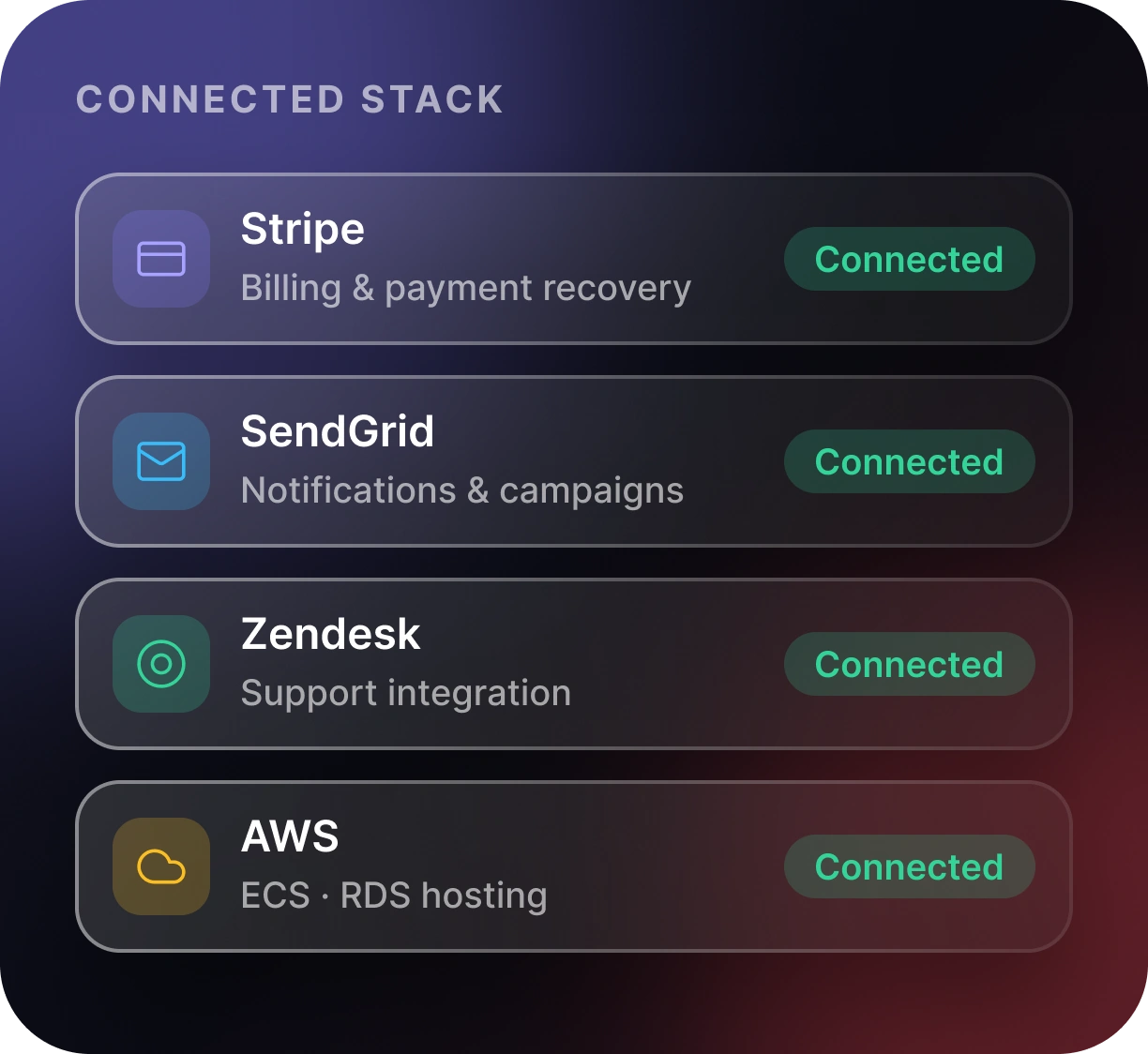
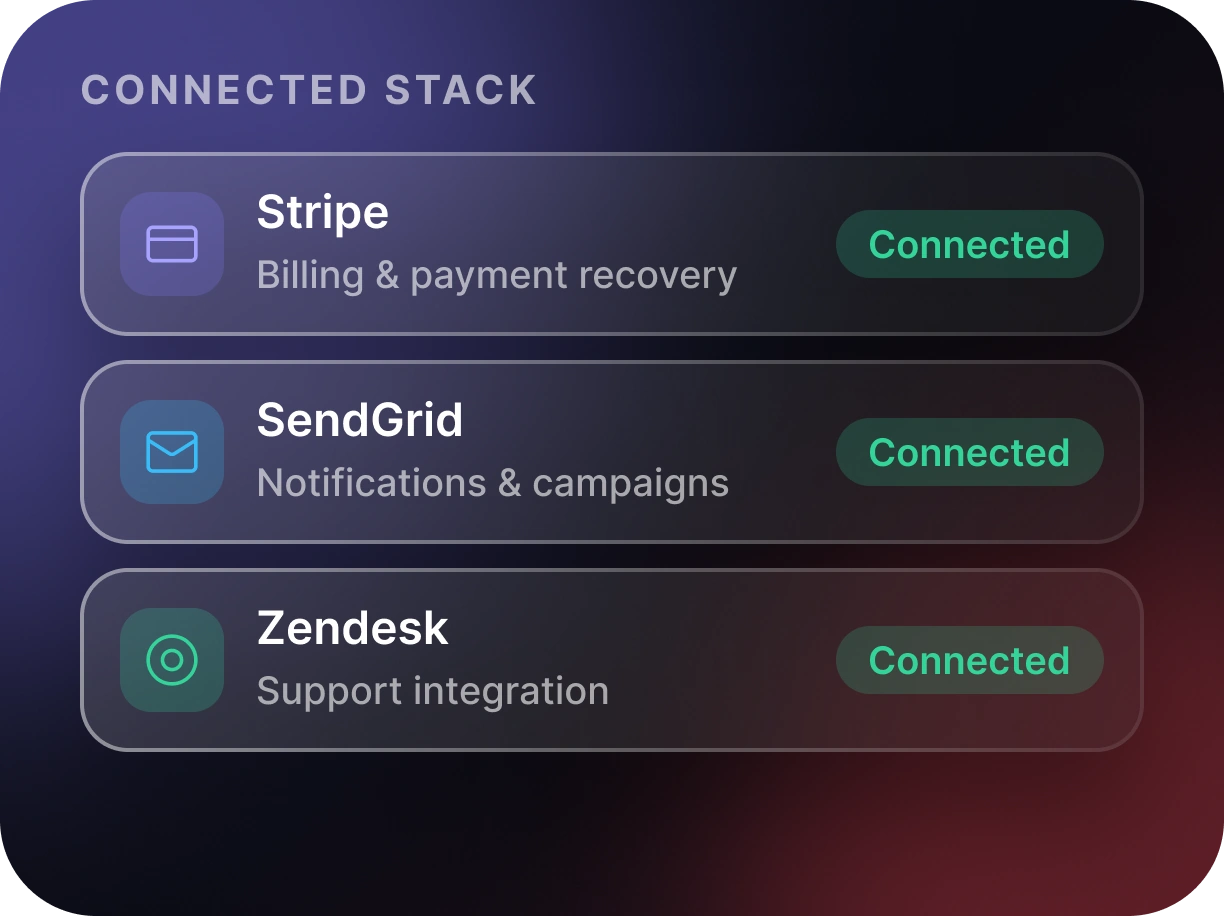
- Billing and Payment Recovery: Stripe API
- Email Notifications and Campaigns: SendGrid API
- Support Integration: Zendesk API
- Cloud Deployment: AWS ECS, AWS RDS
- Deployment Automation: GitHub Actions CI/CD
Key Features
Self-Service Client Dashboard
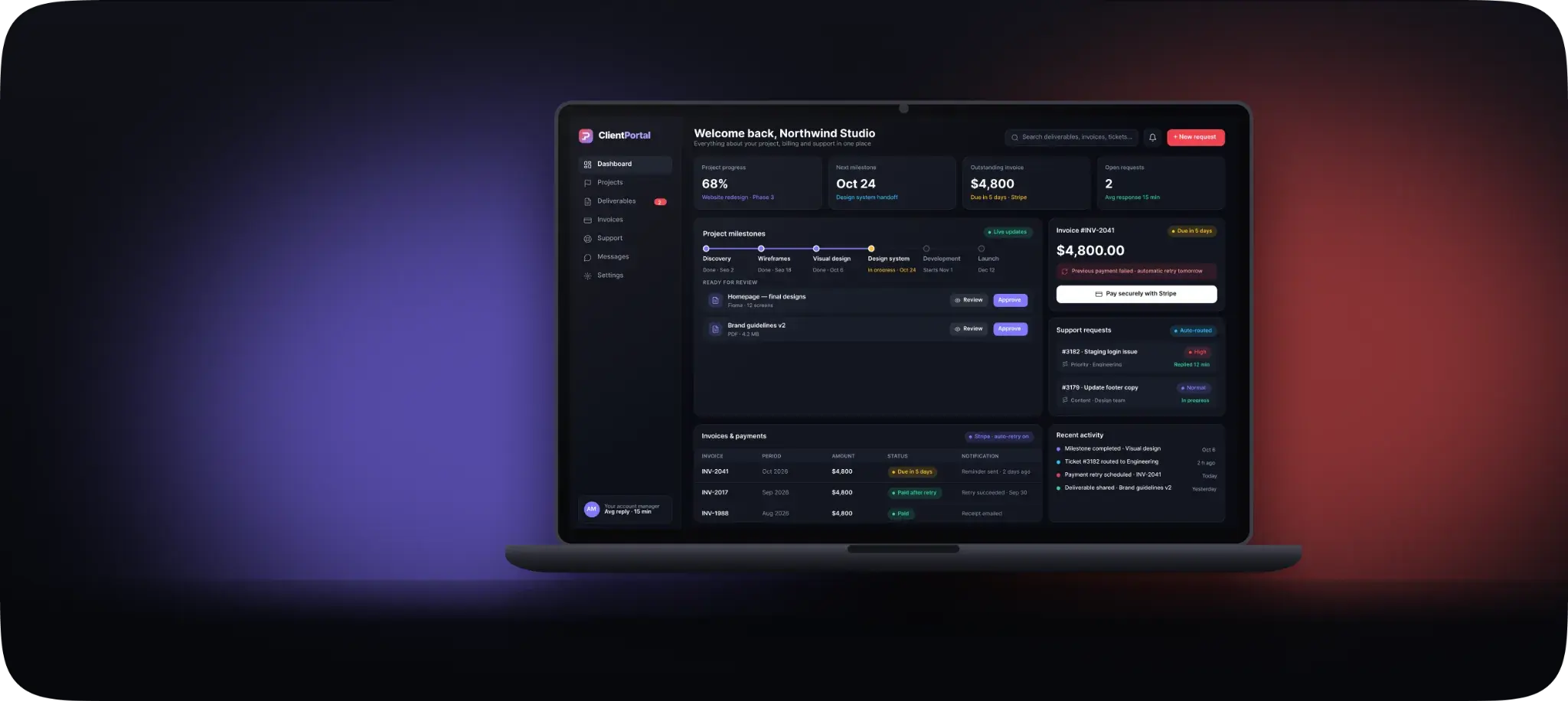
Clients can check project milestones, review deliverables, access invoices, make payments, and submit support tickets from a single sign-on dashboard.
Real-Time Project Updates
Real-time milestone tracking and deliverable access sit at the centre of the experience, with project emails linking directly to the relevant update.
Automated Billing Notifications
Recurring invoice notifications, payment reminders, and automated retries for failed payments keep clients informed before service is disrupted.
Smart Support Ticket Routing
Conditional rules categorize incoming requests by urgency, account tier, and topic, so every ticket reaches the right team with a clear priority.
Structure/Layout
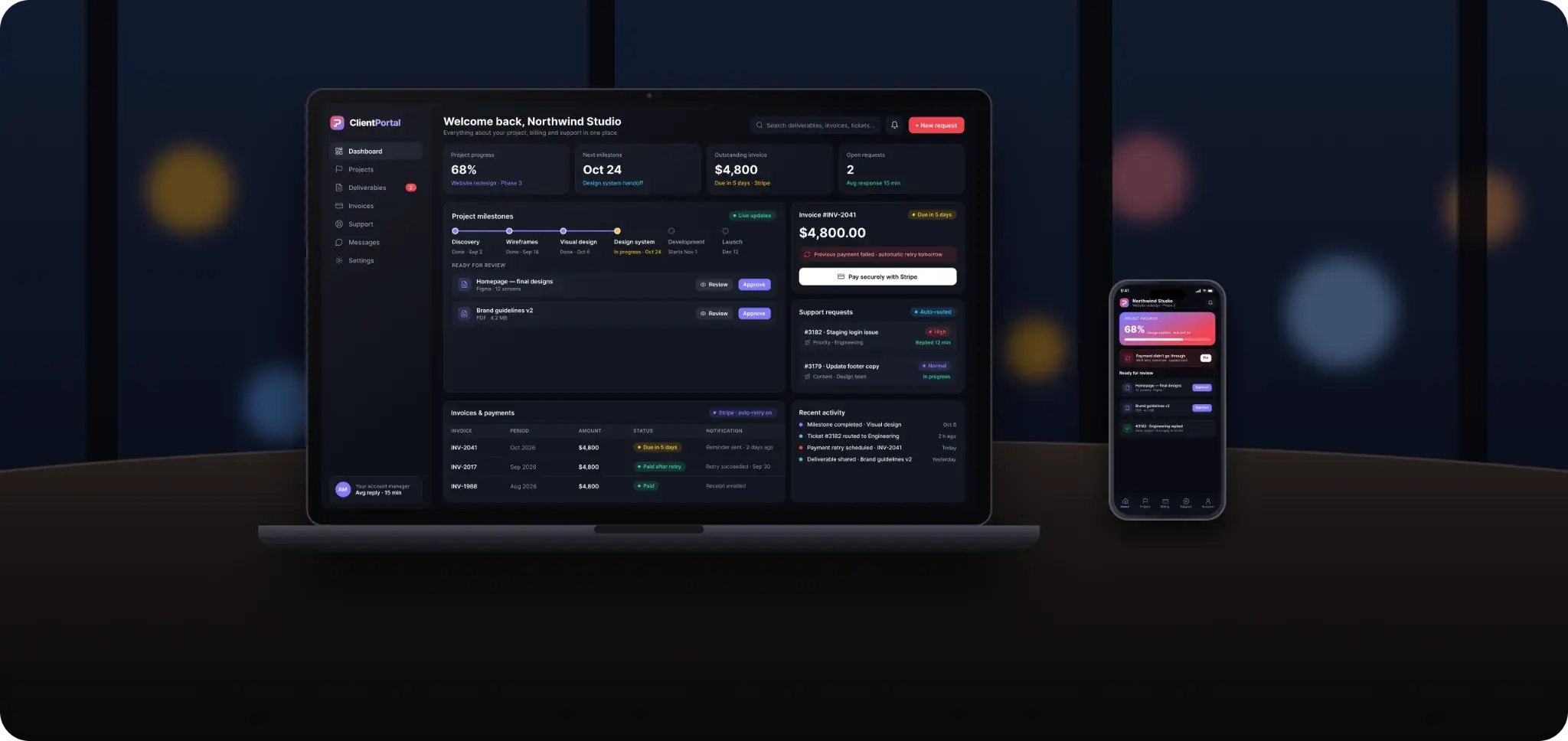
The portal brings the client's main activities into a single sign-on interface. From the dashboard, clients can check project milestones, review deliverables, access invoices, make payments, and submit support tickets. Each area connects to the relevant operational workflow. Support requests are categorized and assigned using conditional rules. Billing notifications keep clients informed about upcoming or failed payments, while project emails link directly to the relevant updates and deliverables. For the internal team, this means fewer routine status enquiries and less time sorting tickets or chasing payments. For clients, it means knowing where to go. The latest update, the outstanding invoice, the open request. All in one place.
Branding & Visuals
The visual direction centres on clarity and ease of use. Project progress, billing information, and support activity each need a clear place within the dashboard, helping clients find what matters without working through a crowded interface.
- Milestone trackers make project progress easier to follow
- Direct links in email notifications bring clients back to the relevant portal content
- The next step is easy to find, whether that means reviewing a deliverable, paying an invoice, or checking a support request

Start Your Journey With Us
Need a custom client portal that connects project updates, payments, and customer support? Tell Red Star Technologies how your team works, and let's build a portal around your clients and your business.
Discuss Your Client Portal